Bureau BACS/FPS Reports


Bureau BACS and FPS Reports
These reports are available from the Reports menu. They are labelled BACS Bureau Report and FPS Bureau Report
When loaded, the page will automatically select the first available group.
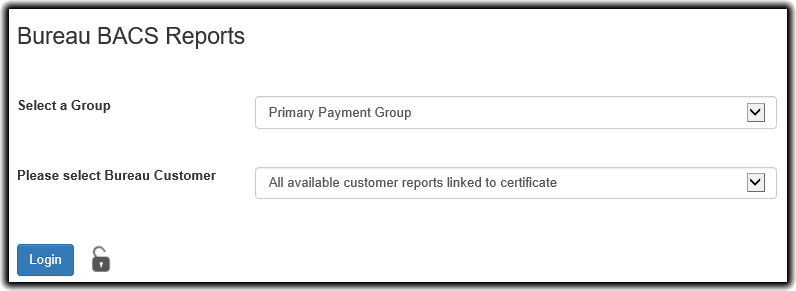
The Reports service requires the user to log into BACS either via a smartcard or HSM configuration dependent on the selected group.
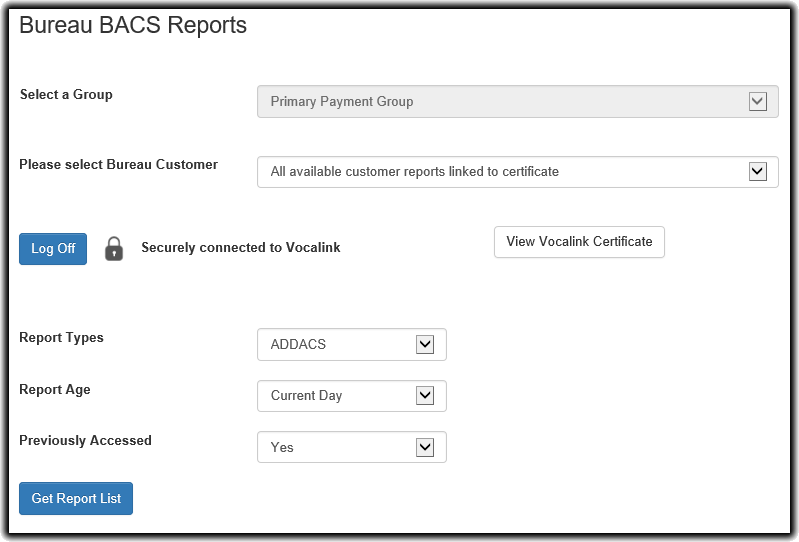
Once logged in, the Select a Group dropdown will be locked. This is because the mechanism with which you authorise your log in to BACS is part of the Group configuration.
From here a number of options are presented.
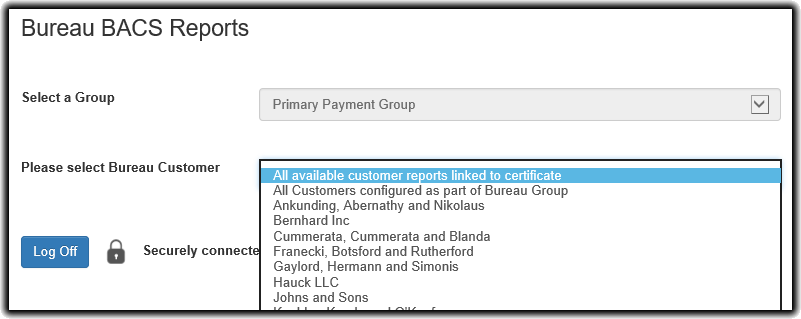
The Please select Bureau Customer dropdown has two global options which are presented before listing the Bureau Customers available in this group. These are:
Report Types
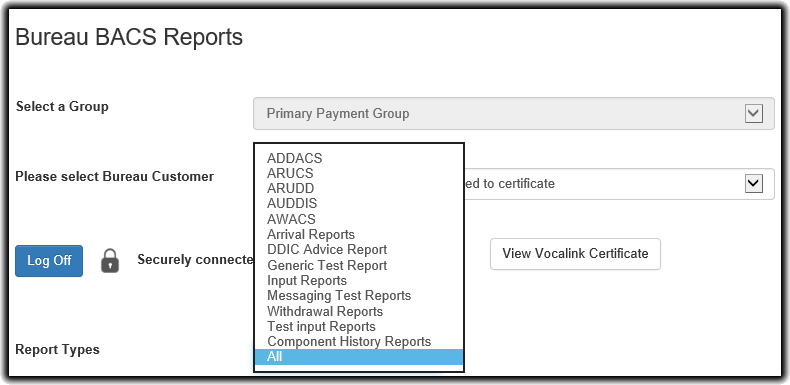
You can select which reports you would like to download for your specific Bureau Customer selections by using the Report Types menu.