Set up your Job first using Enterprise


When setting up a bureau customer import, you may wish to create your initial group and bureau job configuration. This is an optional step, however is recommended to save time further down the line. You can import Bureau Customers and pre-configure them for a job, simply add them to a group only, or just import the Bureau Customers for later configuration.
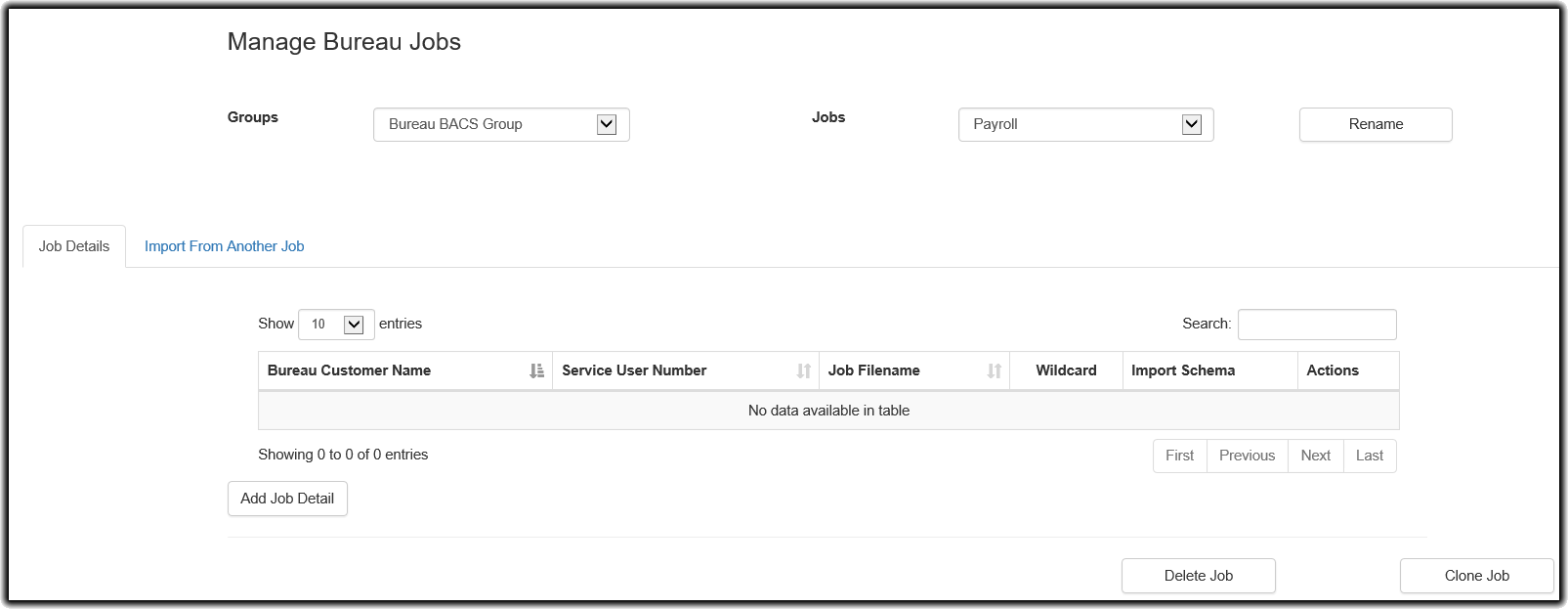
Here, we have set up a new job called Payroll within the Bureau BACS Group. It currently has no job detail lines. If it did have any, paygate will automatically compare the bureau customers being imported with what data already exists in paygate to ensure that there are no conflicts. Any conflicts will be reported and can be dealt with appropriately. This guide will detail this later on.