Importing via Enterprise


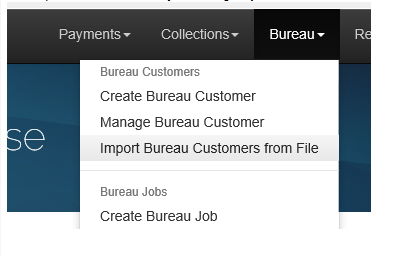
The Import tool is reached by selecting Import Bureau Customers from File on the Bureau menu
The Import tool starts off like this:
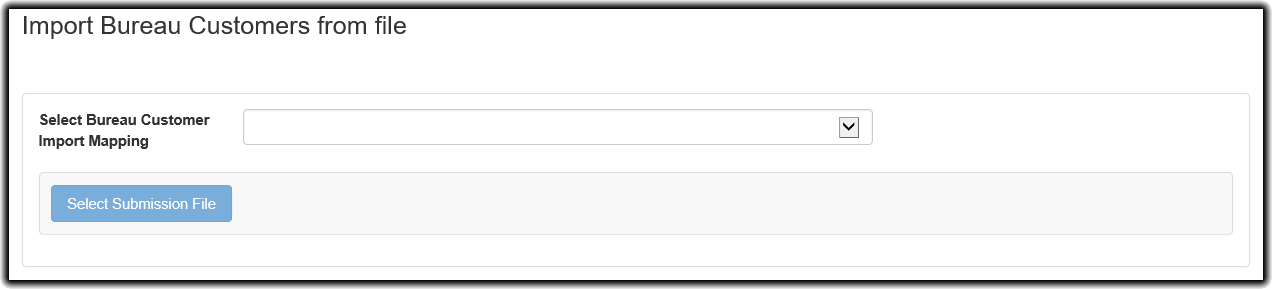
Please be warned that the bureau mapping menu is not able to discriminate between mappings for importing bureau customers and other types of mappings (e.g. payment format mappings). Therefore in order to avoid errors, you should take care to name your mappings appropriately, for example by prefixing your customer mappings with 'BCI'.
Once you have selecting your mapping, the Select Submission File will become available.
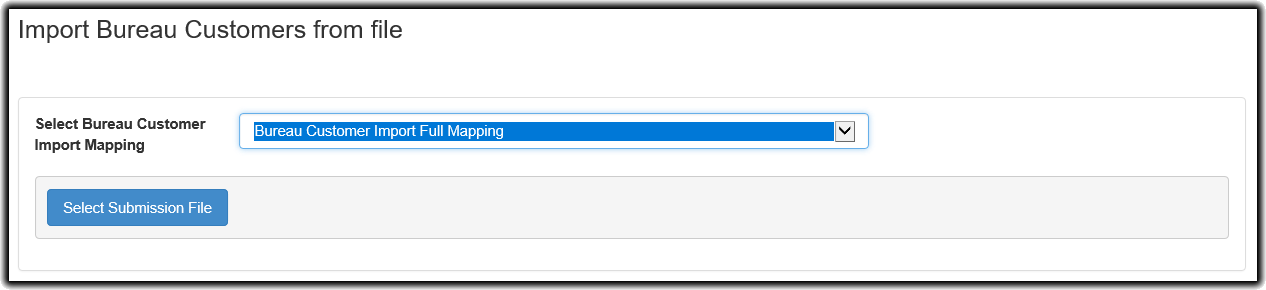
You can then select an appropriate CSV file to import.